Brick & Mortar



Overview
This project is a cross-platform Flutter application built as an online bookstore. Customers can browse books, add them to a cart or wishlist, place orders, and track purchases. Store owners use a separate admin panel to manage inventory, categories, users, and orders. The backend runs entirely on Google Firebase: Firebase Authentication for sign-in and registration, and Cloud Firestore for real-time data storage and updates.
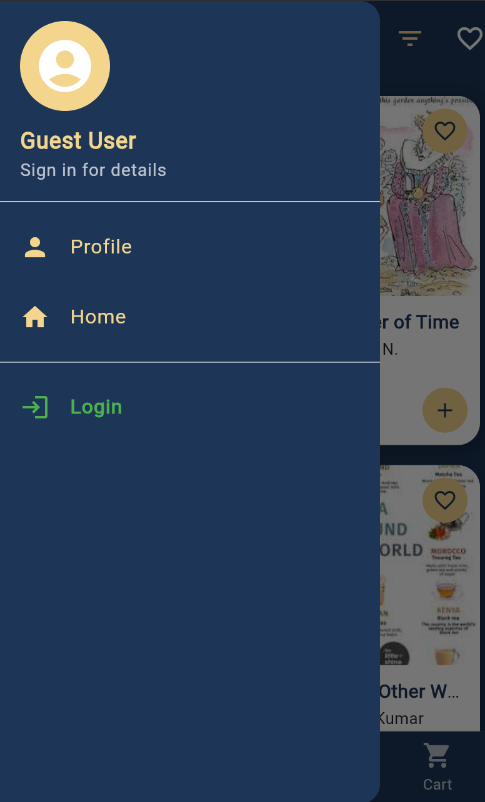
On launch, a splash screen shows the store logo on a navy background. After a short delay, the app checks whether a user is logged in and reads their role from Firestore. Admins are sent to the admin dashboard; regular users go to the customer home screen. Users who are not logged in can still reach the home screen and browse, but features like the cart require login.
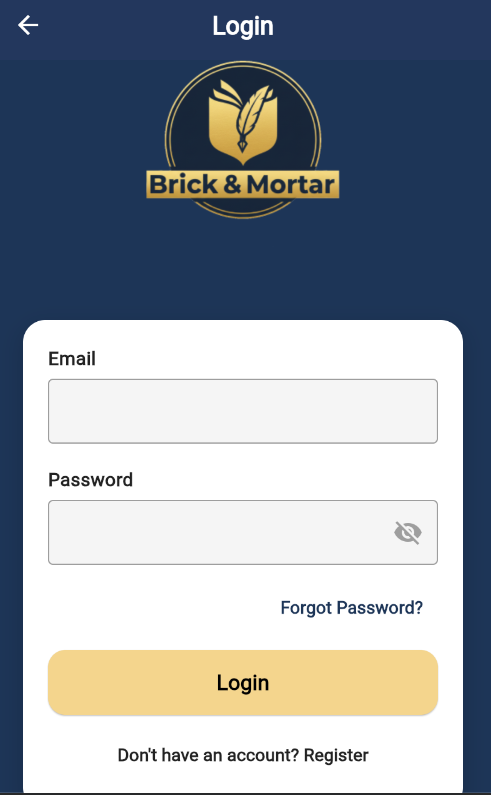
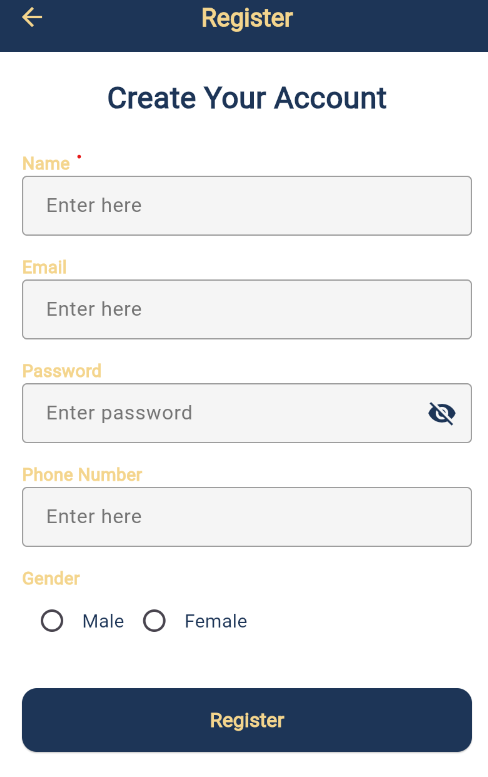
Authentication includes registration, login, and password reset. Registration collects name, email, password (minimum 8 characters), phone number, and gender. New accounts are stored in the User collection with a default role of "user". Login validates input, signs in with Firebase Auth, then loads the user document to read the role field. If the role is admin, the app opens the admin dashboard; otherwise it opens the customer home. This role-based routing also runs on the splash screen for returning sessions.
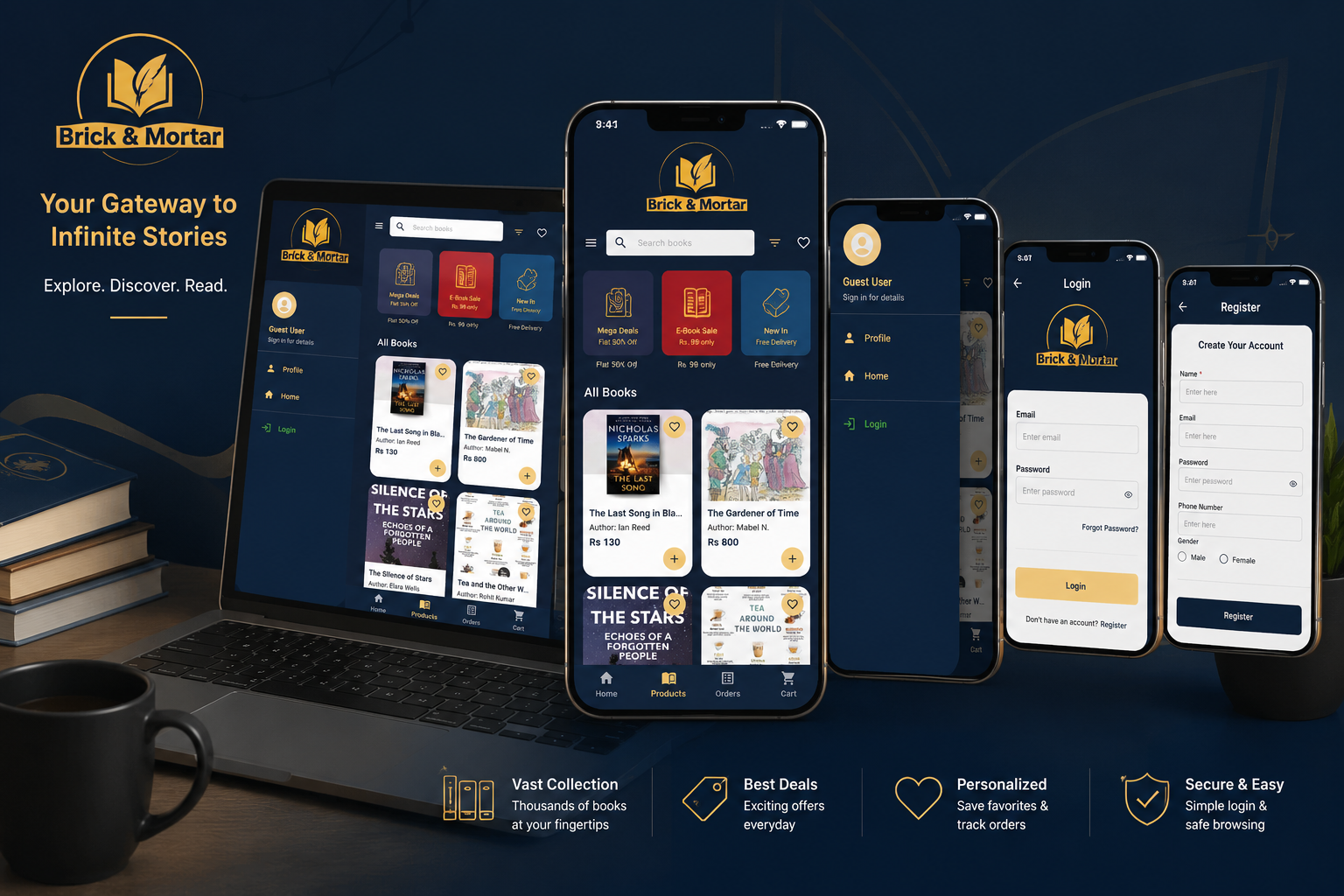
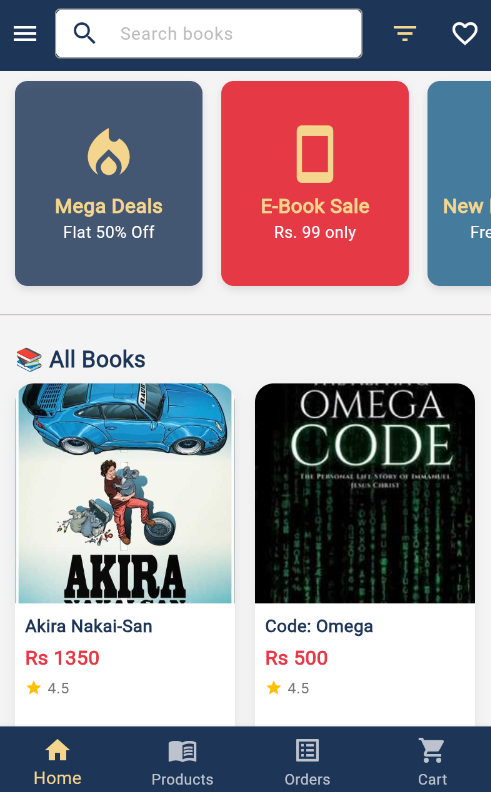
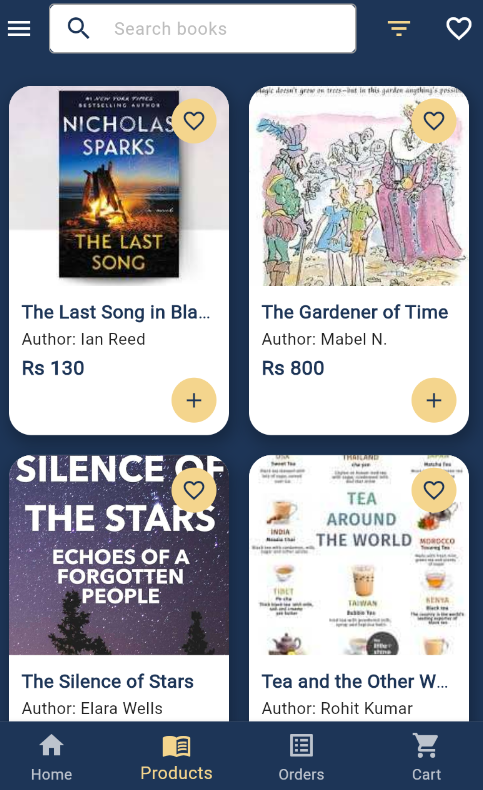
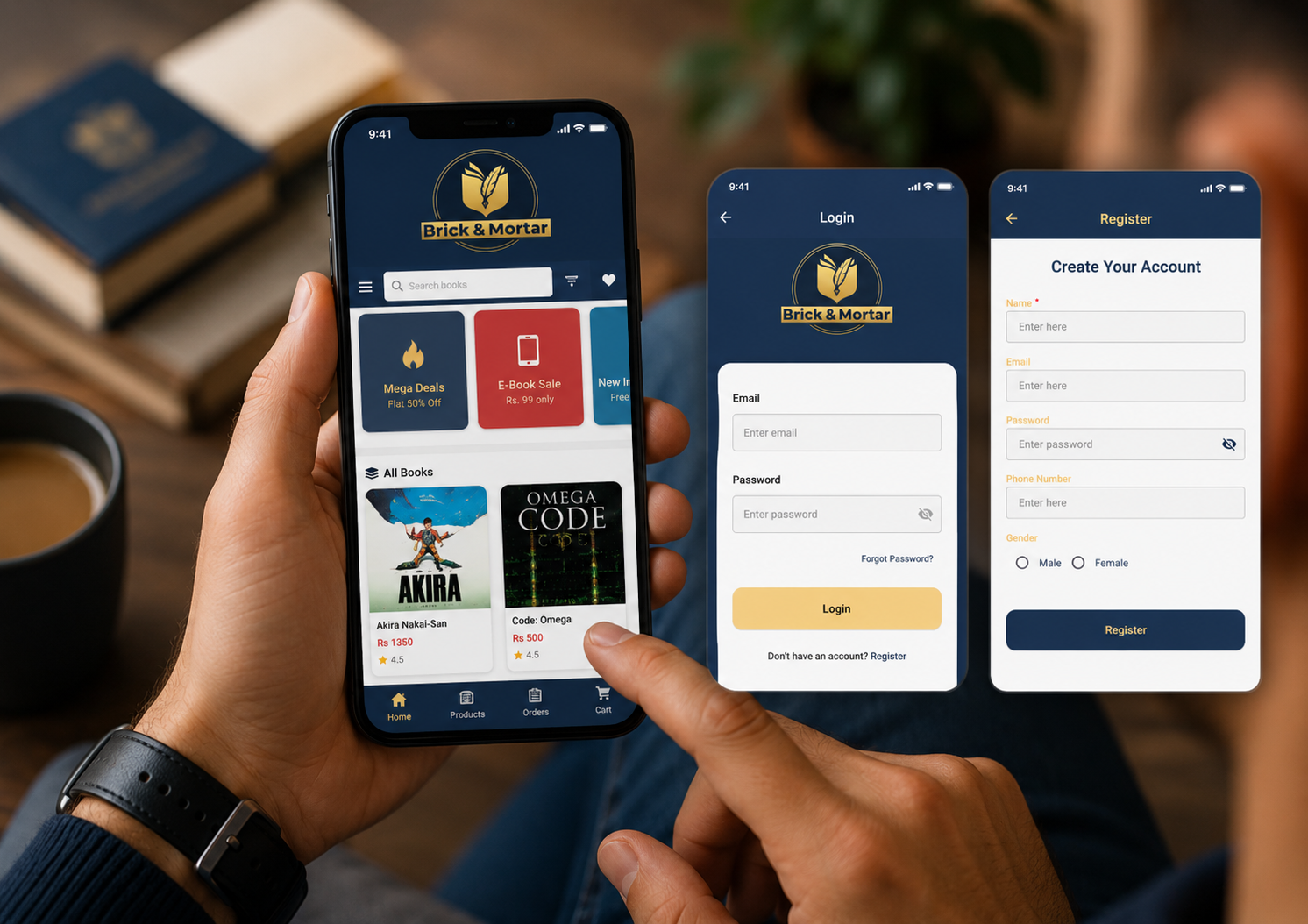
The customer experience centers on a home screen with search, sorting and filtering (price low to high, price high to low, popularity, release date), and promotional “flash sale” style cards. Books are loaded in real time from the products collection. Each product typically includes name, author, price, description, genre/category, images (stored as Base64 strings in Firestore), ratings, review count, sales count, and an added date. Users can open product details, read and write reviews (subcollection under each product), add items to a wishlist, and add items to a cart tied to their user ID.
The cart supports quantity updates and a running total. Checkout collects delivery name, phone, and address—often pre-filled from the user profile—and uses Cash on Delivery as the default payment method. Placing an order writes to Firestore order collections so users can view order history and order details later. Profile and edit profile screens let users update personal information and saved address data.
The admin panel is a dashboard with four main areas: Manage Books (list, add, edit, and delete products), Manage Categories, Manage Users (non-admin accounts), and Manage Orders (view and update order status). When adding a book, the admin can pick multiple images, enter author, price, and description, and assign a category. New products are created in Firestore with default rating, review, and sales fields. Admins can sign out from the dashboard. This gives full CRUD control over the bookstore catalog and operations from within the app.
Firestore organizes data into collections such as User (profiles and roles), products (book listings), category (genres), per-user cart and wishlists subcollections, and orders (including user-specific order paths). The architecture is typical for a small-to-medium e-commerce.